Free Temporary Tattoo Design Template
Create production-ready custom temporary tattoo artwork with Pinlord’s free design template.
Use it to plan your temporary tattoo artwork, sheet size, individual tattoo sizes, cut lines, color notes, backing sheet, packaging and production details before making custom temporary tattoos or reviewing the temporary tattoos template.
✅ Free Download
🎨 Artwork Guide
How Free Templates Work
Place the free order
Add the temporary tattoos template to your cart and complete checkout.
Receive the download
Your free design template will be sent automatically after checkout.
Add your artwork notes
Use it digitally or print it to plan tattoo artwork, sheet layout, sizing, color notes, cut lines, backing sheet and packaging details.
Request a free quote
Use your completed template when requesting custom temporary tattoos for artists, events, festivals, brands, retail products or merch collections.
Template Details & Resources
What this template helps with
-
Artwork layout: Plan your logo, illustration, character art, slogan, symbol set, flash sheet, event artwork, brand colors, tattoo sheet design or collection theme.
-
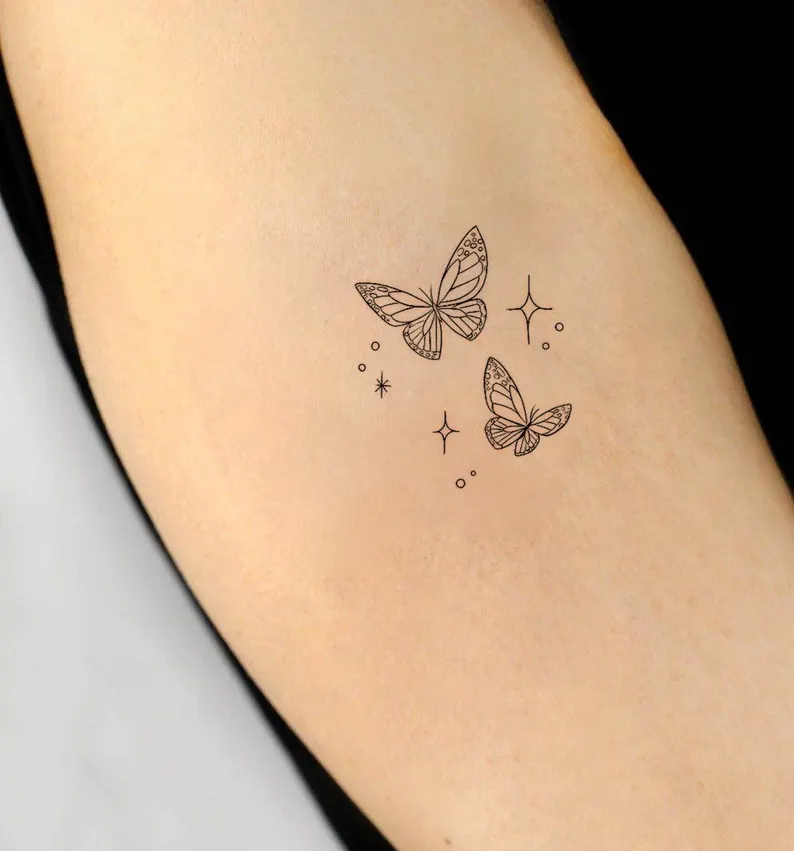
Temporary tattoo style planning: Note single temporary tattoos, tattoo sheets, flash-style tattoo sheets, event tattoos, kids tattoos, artist tattoos, festival tattoos or branded promotional tattoos.
-
Material and finish notes: Add tattoo size, sheet size, artwork placement, color notes, cut lines, backing sheet design, application instructions, packaging card or retail display requests.
-
Use-case clarity: Note whether your temporary tattoos are for artists, brands, festivals, schools, kids events, parties, retail stores, conventions, merch drops or giveaways.
Helpful Pinlord resources
Temporary tattoo design tips
-
Keep artwork bold: Temporary tattoos are often small, so clean lines, strong shapes and simple details usually transfer best.
-
Plan each tattoo size: Mark the size of each individual tattoo clearly, especially if you are creating a full tattoo sheet.
-
Leave space between designs: Add enough spacing between tattoos so each piece can be cut, applied and handled easily.
-
Think about placement: Consider whether the design will be worn on hands, arms, cheeks, shoulders or as a small event giveaway.
-
Design the full merch set: Temporary tattoos pair well with stickers, pins, charms, patches, packaging cards, backing sheets and event bundles.
FAQs
-
Is this temporary tattoos template free? Yes. Add it to your cart and complete the free order to receive the download.
-
Do I need to print it? No. You can use it digitally to save paper, or print it if you prefer sketching by hand.
-
Can beginners use it? Yes. Add rough sketches, artwork placement, sheet layout, color notes and simple production details.
-
What should I include? Tattoo size, sheet size, artwork, color notes, cut lines, backing sheet details, quantity and packaging notes.
-
Can Pinlord help make the temporary tattoos too? Yes. Start with the custom temporary tattoos page or read the Pinlord FAQs.
Ready to Plan Your Custom Temporary Tattoos?
Use the free template to map your temporary tattoo artwork, sheet size, individual tattoo sizes, cut lines, color notes, backing sheet and packaging details. When you are ready, request a free quote for custom temporary tattoos.